
my3dfigure
ผู้เยี่ยมชม
my3dfigure@outlook.com
My 3D Figure: A Guide to Creating and Enjoying Custom 3D Models (9 อ่าน)
23 พ.ย. 2569 13:12
In the realm of digital art and design, 3D modeling has emerged as a popular medium for expressing creativity and developing unique visual experiences. Whether for gaming, animation, or personal projects,creating your own 3D figure can be an incredibly rewarding endeavor. In this article, we will explore the steps involved in crafting your 3D figure, the tools you can use, and tips for showcasing your creations.
### Understanding 3D Modeling
3D modeling is the process of creating a three-dimensional representation of a physical object using specialized software. These models can be as simple as basic shapes or as complex as intricate characters and detailed environments. The versatility of 3D modeling allows artists, designers, and hobbyists to bring their ideas to life in virtual spaces.
### Choosing the Right Software
The first step in creating your 3D figure is selecting the appropriate software. Some popular choices for beginners and experienced modelers alike include:
- **Blender:** An open-source, powerful tool perfect for creating stunning 3D graphics that offers a comprehensive feature set, including modeling, rigging, and animation.
- **Tinkercad:** A user-friendly, browser-based platform ideal for beginners looking to get started with basic 3D design and printing. Tinkercad allows users to create and customize simple shapes with ease.
- **Maya:** A professional-grade software widely used in the film and gaming industries, perfect for those who want to delve into more sophisticated modeling techniques.
- **ZBrush:** Known for its sculpting capabilities, ZBrush enables artists to create highly detailed models that can take realism to the next level.
### Steps to Create Your 3D Figure
1. **Conceptualization:** Begin by sketching your ideas on paper. Consider the characteristics and style of your figure. This step is crucial in visualizing the final product.
2. **Base Mesh Creation:** Using your selected software, start with a base mesh. This is a simple version of your figure that defines the overall shape and proportions.
3. **Sculpting and Detailing:** Add details such as textures, facial features, and clothing. Depending on the software, you may use sculpting tools or modifiers to refine your figure.
4. **Rigging (Optional):** If your 3D figure will be animated, you’ll need to rig it by creating a skeleton structure. This allows for movement and posing of your figure.
5. **Texturing:** Apply colors, materials, and textures to enhance the realism and aesthetics of your figure. High-quality textures can elevate the overall look significantly.
6. **Rendering:** Once your 3D figure is complete, use rendering techniques to produce high-resolution images or animations. This step involves creating light effects and camera angles to present your model effectively.
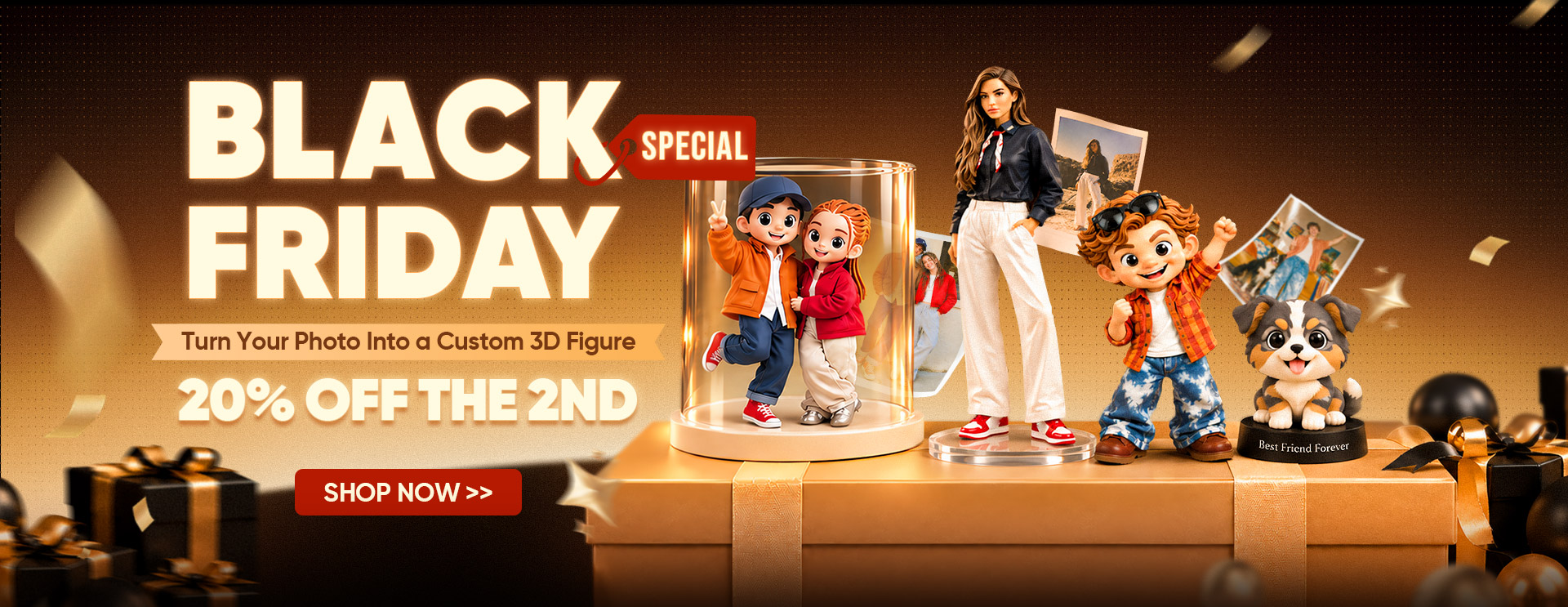
Custom 3D Action Figure For Team<br style="font-family: 'Noto Sans SC'; font-size: medium;" />Custom 3D Action Figure For Cosplay<br style="font-family: 'Noto Sans SC'; font-size: medium;" />Custom 3D Action Figure For Birthday<br style="font-family: 'Noto Sans SC'; font-size: medium;" />Custom 3D Action Figure For Party Time<br style="font-family: 'Noto Sans SC'; font-size: medium;" />3D Figure Décor Series<br style="font-family: 'Noto Sans SC'; font-size: medium;" />Cartoon Style 3D Figures<br style="font-family: 'Noto Sans SC'; font-size: medium;" />3D Fridge Magnets<br style="font-family: 'Noto Sans SC'; font-size: medium;" />3D Display Ornament<br style="font-family: 'Noto Sans SC'; font-size: medium;" />Figure-Related Accessories<br style="font-family: 'Noto Sans SC'; font-size: medium;" />Custom 3D Action Figure from Your Photo<br style="font-family: 'Noto Sans SC'; font-size: medium;" />Personalized Birthday Gift
### Showcasing Your 3D Figure
After creating your 3D figure, it's time to share your work with the world! You can showcase your model through various platforms:
- **Social Media:** Platforms like Instagram, Twitter, and Facebook are great for sharing your work and attracting feedback.
- **3D Art Communities:** Websites like ArtStation, DeviantArt, and Sketchfab are excellent for connecting with other artists and receiving constructive criticism.
- **Online Portfolios:** Build a personal website or an online portfolio to display your projects professionally.
### Conclusion
Creating your own 3D figure is an exciting journey that combines artistry with technology. By choosing the right software, following a structured process, and engaging with the community, you can unleash your creativity and develop stunning 3D models. Whether you're a hobbyist or aspiring professional, the world of 3D modeling offers endless possibilities. Dive into this vibrant field today, and let your imagination soar!
209.135.19.228
my3dfigure
ผู้เยี่ยมชม
my3dfigure@outlook.com